

“A station is the one place out here where nobody shoots at you. Enjoy it. Then undock.”
— Fleet Admiral Selene Voss
Eleven hubs
Every faction's home has its own trade station, built in that faction's style, and the Free Port Exchange stands at the centre of the galaxy. That makes eleven trade hubs, each with its own market. A station's plate names it and says how many fleets are docked there.
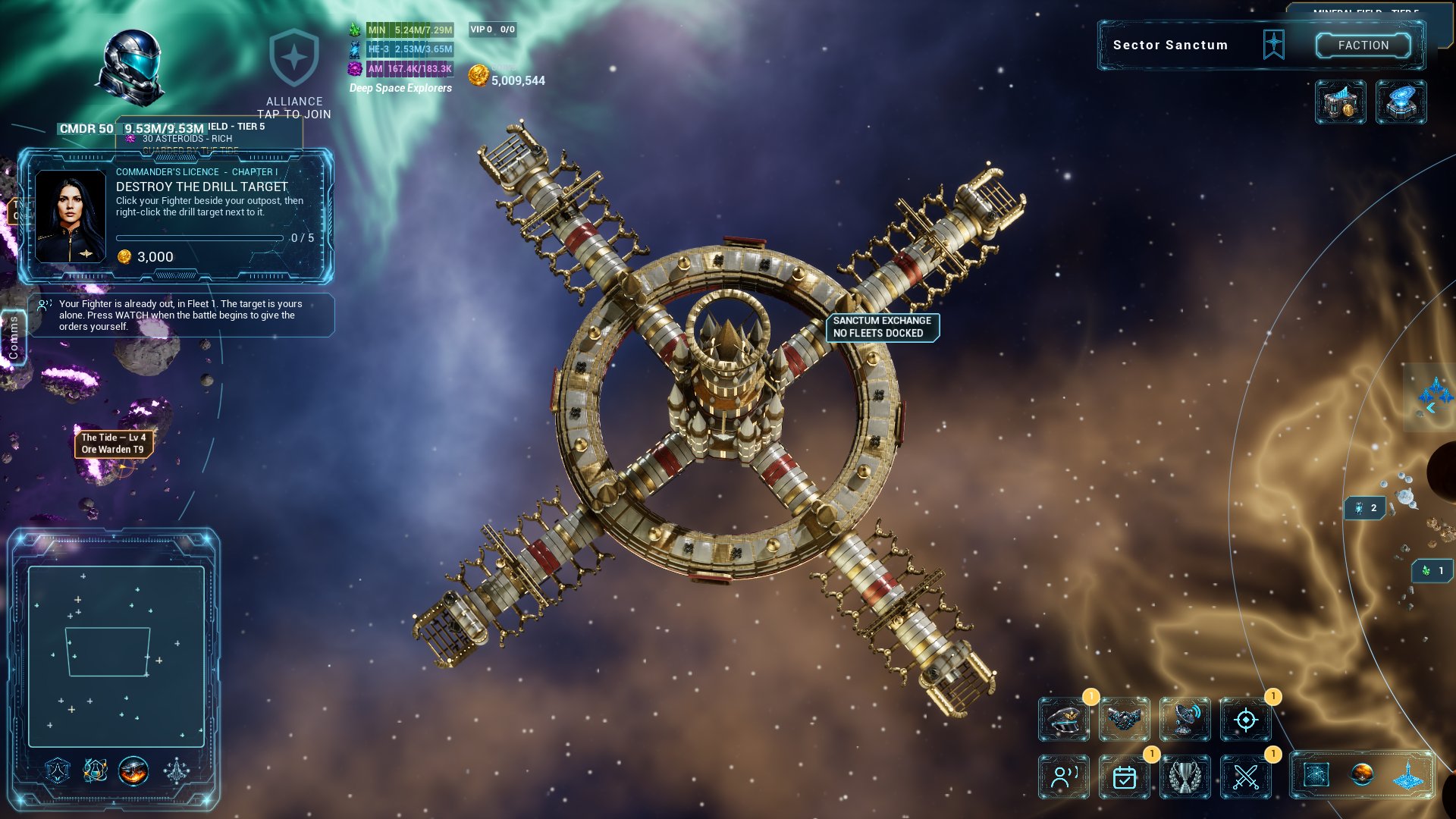
| Hub | Sector | Faction |
|---|---|---|
| Free Port Exchange | Free Port | Freelancers |
| Bastion Exchange | Iron Vanguard Core | Iron Vanguard |
| Axiom Exchange | Axiom | Technocrat Union |
| Aurelian Ring Exchange | The Aurelian Ring | Solar Empire |
| Sanctum Exchange | Sanctum | Celestial Order |
| Pyre Exchange | Pyre | Crimson Fleet |
| Caravan Exchange | The Caravan | Nomad Clans |
| Undercroft Exchange | The Undercroft | Void Syndicate |
| Horizon Exchange | Horizon | Deep Space Explorers |
| Ledger Exchange | The Ledger | Shadow Brokerage |
| Bedrock Exchange | Bedrock | Miner Rebellion |
What each hub makes and wants is in The Frontier Exchange.
Docking
Fly a fleet to a station and stop it close by: a fleet that stops near a hub's station, out of a fight and not on its way anywhere, docks. SEND TO HUB AND DOCK on the galaxy map does it for you, from any sector. The ships glide onto a pier, the clamps close round them, and the station's crane loads and unloads your cargo. The fleet's plate reads DOCKING with a bar while it glides in, then DOCKED - SAFE.
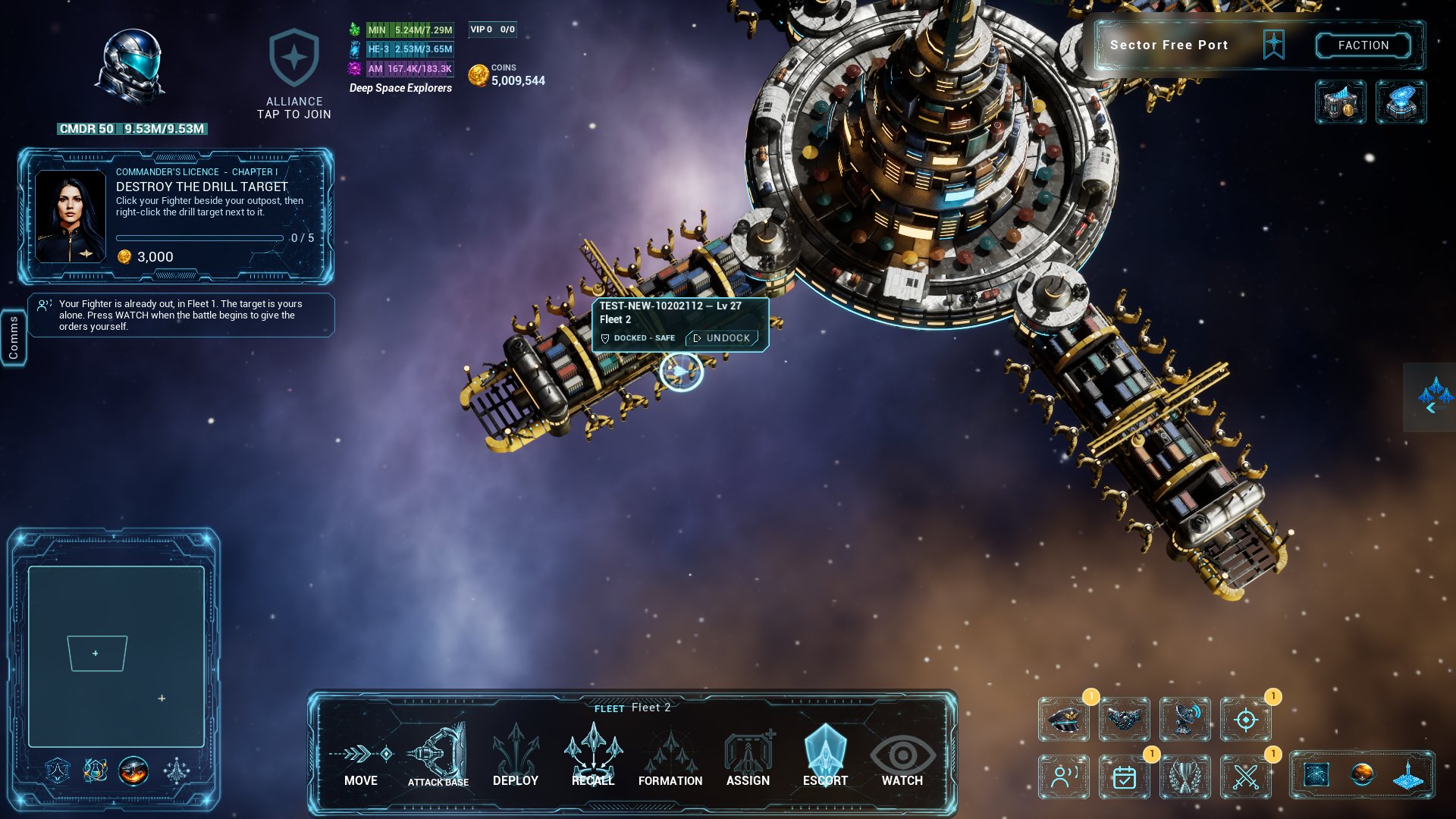
A docked fleet cannot be attacked, by a commander or by the Tide, at every hub. A fleet still flying in or out is not docked and can be caught. At Free Port nobody may attack near the station at all.
UNDOCK. Select a docked fleet and press UNDOCK on its plate: it flies straight out from the station. Any other order takes it out of dock too. Once it is clear of the station it can be attacked again.
Click one of the docked ships to select its fleet. While a fleet of yours is docked at any hub, Market shows in the row under FACTION and opens that hub's market from anywhere.
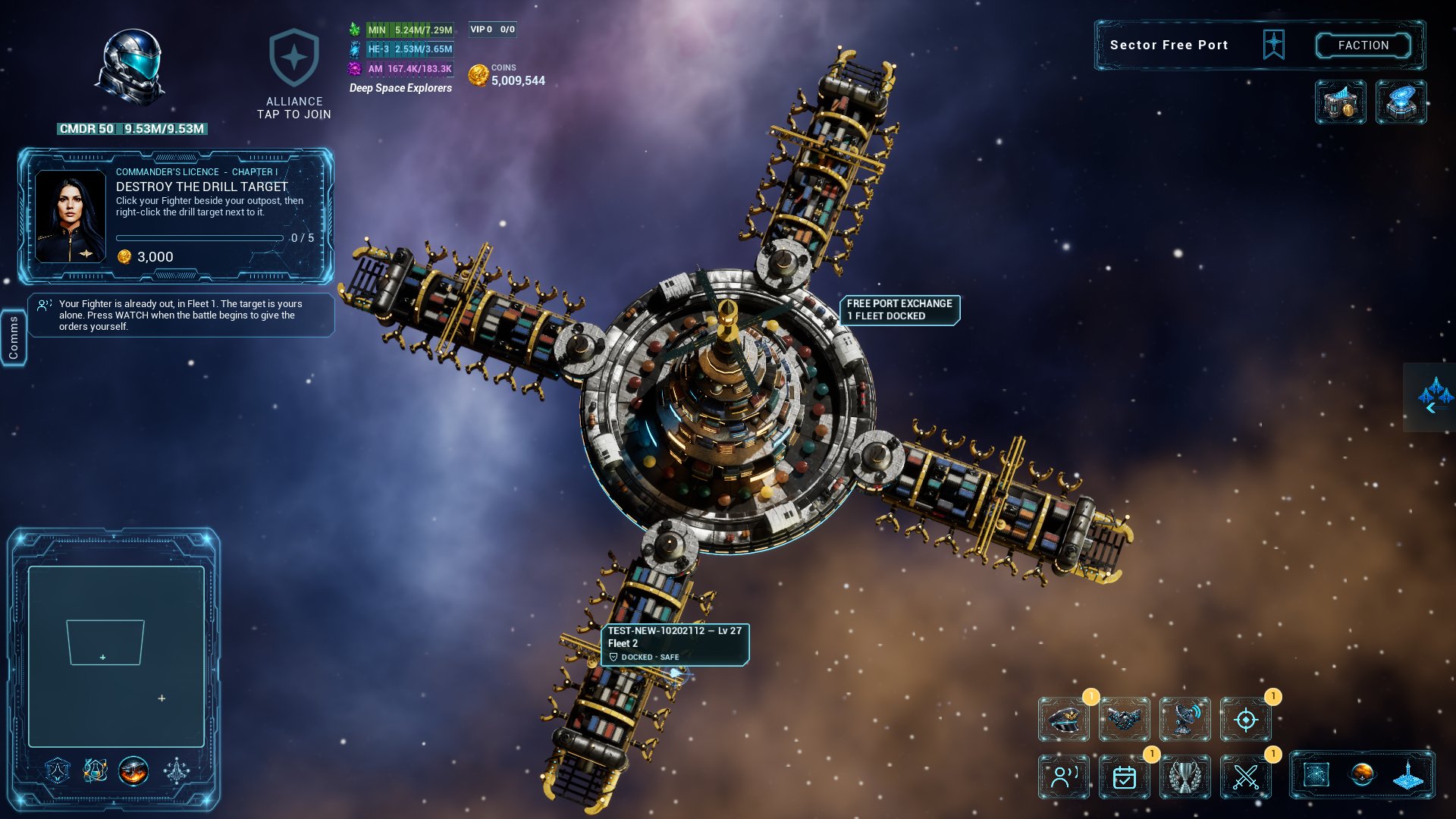
On Low graphics quality the ships are not drawn on the pier, and the fleet keeps its icon. It is docked all the same.
Your hangars
You have a hangar of your own at every hub. Goods wait there until you sell them or a docked fleet loads them: what you buy with no fleet docked, what you buy into the hangar on purpose, and what a fleet unloads (with a fleet docked, a buy goes straight into its hold: see Buying and selling). Every hub's hangar is separate: goods in your hangar at Sanctum are not at Free Port until a fleet carries them there.
A hangar holds 50,000 units to start. The Trader's Licence makes every hangar bigger: 75,000 at rank 2, 100,000 at rank 4, 150,000 at rank 5 and 250,000 at rank 8.
Loading and unloading
Open the market of the hub where your fleet is docked and go to CARGO:
| Button | What it does |
|---|---|
| LOAD | Goods from your hangar here into the docked fleet's hold |
| LOAD AND INSURE | The same, with insurance for the trip. See Insurance |
| UNLOAD | Goods from the docked fleet's hold into your hangar here |
Goods aboard take room in the fleet's hold, the same hold it mines into: the cargo space of its ships added up (see Mining). A fleet beaten in a fight can lose what it carries: see Risk on the road.
Goods can also be sold straight out of a docked fleet's hold. Ore your fleets have mined is only ever sold that way: dock the fleet with ore in its hold and sell it on the market's RAW tab.
Contraband cannot be traded, loaded or unloaded at a hub in a faction's home.
If the server restarts
| What was under way | What happens |
|---|---|
| A fleet out on a trip | It comes home, like every fleet |
| Goods aboard a fleet | They go back to your hangar at the hub they were loaded from. Nothing is lost and nothing is doubled |
| A courier contract you took | It goes back on the board, and your collateral comes back to you |
| An escort contract | Its reward goes back to its owner |
| Cargo drifting as salvage | It goes back to the hangar of the commander who lost it |