
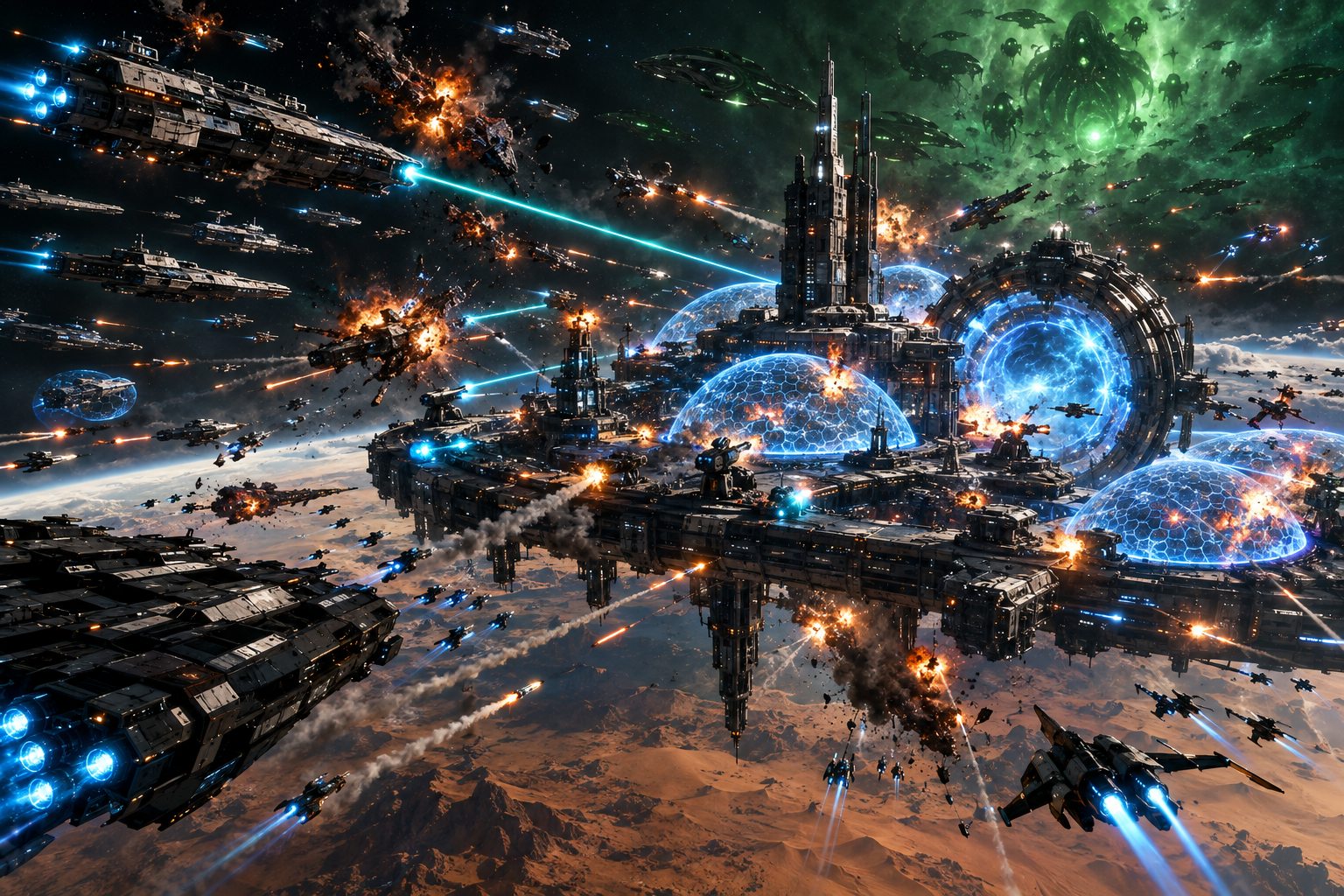
Alpha build 53 is live, and this one is a required update: the game and the server changed together, so Alpha build 52 can no longer connect. Exit Steam completely and start it again to get build 53. The game server restarted at 06:47 UTC. Nothing was wiped.
Command your fleet in battle
When one of your fleets is in a fight, press WATCH and you are in command of it. Every ship starts on AUTO; an order to a ship takes that one ship in hand, and it shows MANUAL.
- Pick ships: left click a ship, click its box on the roster bar at the bottom of the screen, or press the box's number (1 to 9). Hold Left Shift and drag a box to pick every ship of yours inside it. F1 picks the whole fleet. Ctrl + click, or Shift + a number, adds to what is picked.
- Move: right click empty space. The picked ships go there, each keeping its place beside the others.
- Attack: right click an enemy ship. Your ships lock that target, hold their own range on it and keep firing. Alt + click moves a ship while its nose stays on its target.
- Hand them back: click the AUTO or MANUAL tag on a ship's box to give that ship to the auto pilot or take it back, or press FLEET AUTO for all of them. If you leave the battle's view your ships go back to the auto pilot by themselves.
- Groups: pick some ships and press Ctrl + a number to save them in one of the spare boxes on the roster bar. The number, or a click, picks them again.
On the field a line runs from each picked ship to its target: green when it is in range, amber when it is out of range, red when the target is closer than the ship's guns can fire. Hold the pointer on a ship to see its firing arcs and how far it reaches.
Every mouse and keyboard control is in the Player's Guide: Controls and Combat.
A new battle screen
The battle screen has a new look, for a commander and for anyone watching. The bar across the top names both commanders, each beside their faction's emblem, where it used to say ATTACKER and DEFENDER. There is a mini map, a list of the other fleet's ships with the number of people watching above it, and the camera button, FLEET AUTO and LEAVE together at the bottom right.
Battles have sound
Each of the twelve weapon types has its own sound, with hits on shields and on hulls, explosions, the countdown and the first shot.
Fixed
- DEPLOY did nothing for a fleet that had fought a battle, been recalled, and whose owner had then logged out and back in. The fleet stayed in its bay until the next server restart. It launches now, and a fleet stuck this way was freed by the restart for this update.
Good to know
- Only a fleet's own commander can order its ships, and only from the battle's own view. Anyone else watching cannot give an order.
- Not in yet: Overdrive and ship abilities, and a key to stop a ship where it is. A ship keeps its momentum, so one sent to a point swings round to it and takes a moment to settle.
- A restart of the server brings every deployed fleet home to its bay, and a battle that was running when it stopped is called off: no damage, no report. Deploy again and carry on.
- If Steam does not offer the update, exit Steam completely (Steam, then Exit) and start it again.
- Alpha Round 11 — Watch the Fight on the playtest page is still open.
Tell us how commanding feels: whether ships answer quickly enough, whether you can pick the ship you mean in a crowd, and whether any sound is too loud, too quiet or simply wrong for its weapon. The changelog has the full list.