
Alpha build 122 is on Steam, and the game server was updated with it. Build 122 is a required update: build 121 and older can no longer join. Restart Steam if 122 doesn't appear.
New: the Cargo Hangar
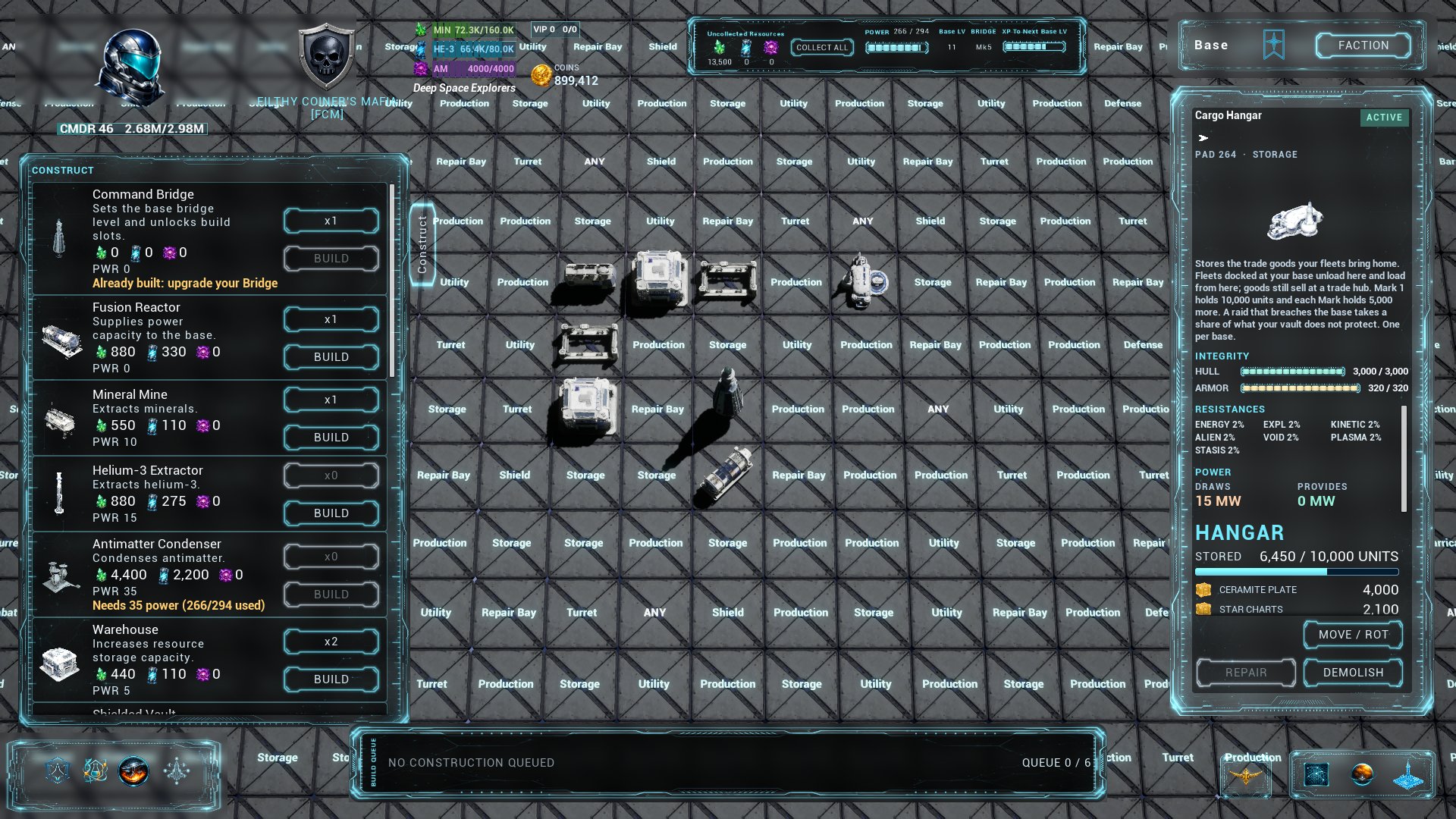
A new base building that keeps your trade goods at home. Fleets docked at your base unload their goods into it and load them again from it, so you can bring goods home and keep them until the price is right. Goods still sell only at a trade hub: load them and fly.
- One per base, from Bridge level 1, on a Storage tile. Mark 1 holds 10,000 units and each Mark holds 5,000 more, up to 30,000 at Mark 5. It costs 1,500 minerals and 600 helium-3 to build and draws 15 MW of power.
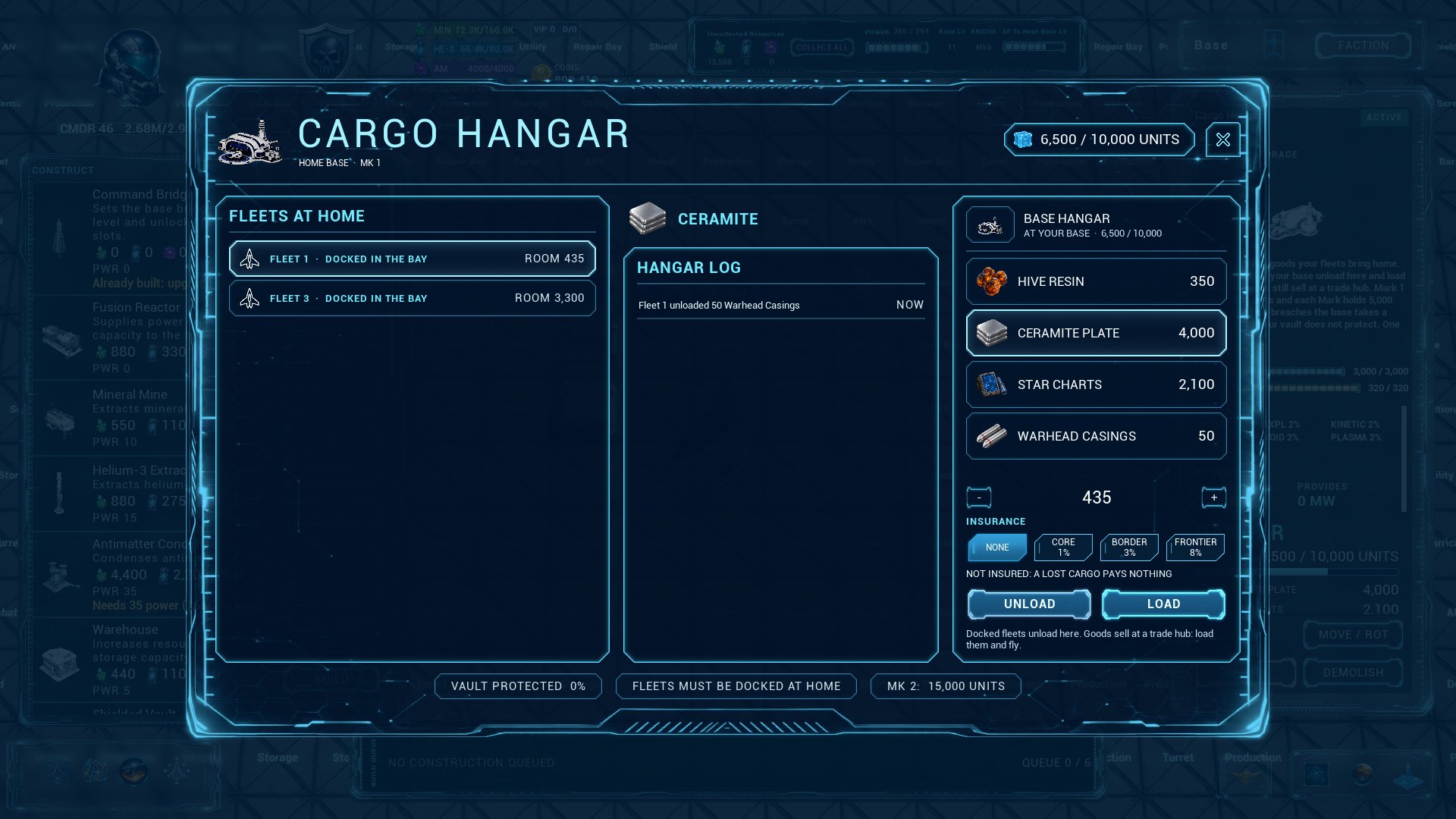
- Unload and load at home. OPEN HANGAR on the building's panel opens the hangar screen. Pick a good aboard a fleet resting in the bay and press UNLOAD, or pick a good in the hangar, a fleet and how many, and press LOAD. The hangar log lists the last moves.
- Insure from home. A load from your base can be insured as at a hub, at the goods' base price.
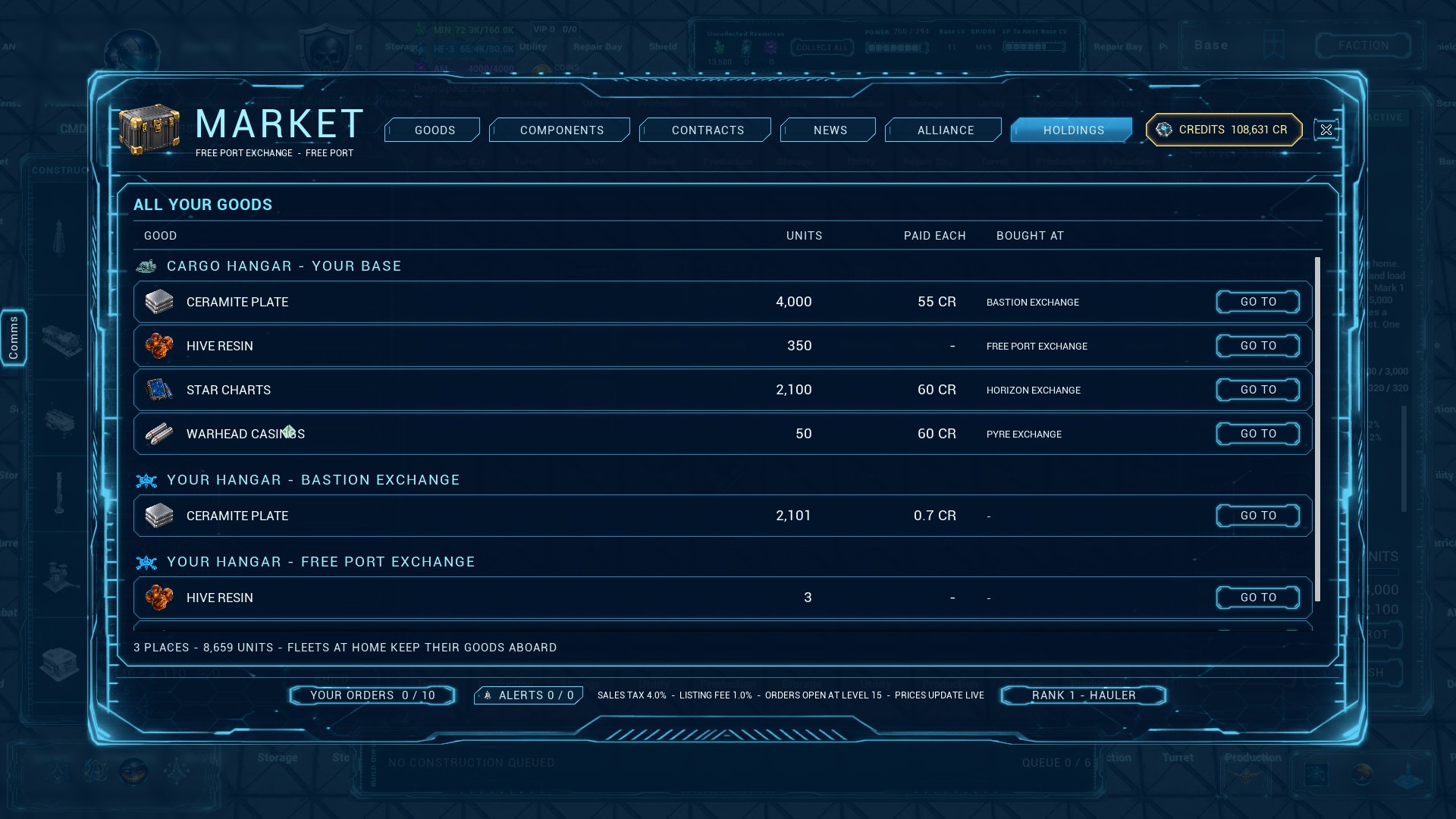
- Your goods list knows your base. The market's HOLDINGS tab and the galaxy map's GOODS tab list what your Cargo Hangar keeps as CARGO HANGAR - YOUR BASE. GO TO opens the hangar.
- Raids take goods too. A breach takes from the Cargo Hangar the way it takes resources: the share your best Shielded Vault protects is safe, and the raider takes 20% of the rest, the most valuable goods first, as far as their holds have room.
- Contraband is kept like any other good. A destroyed Cargo Hangar keeps its goods, but nothing moves in or out until it is repaired.
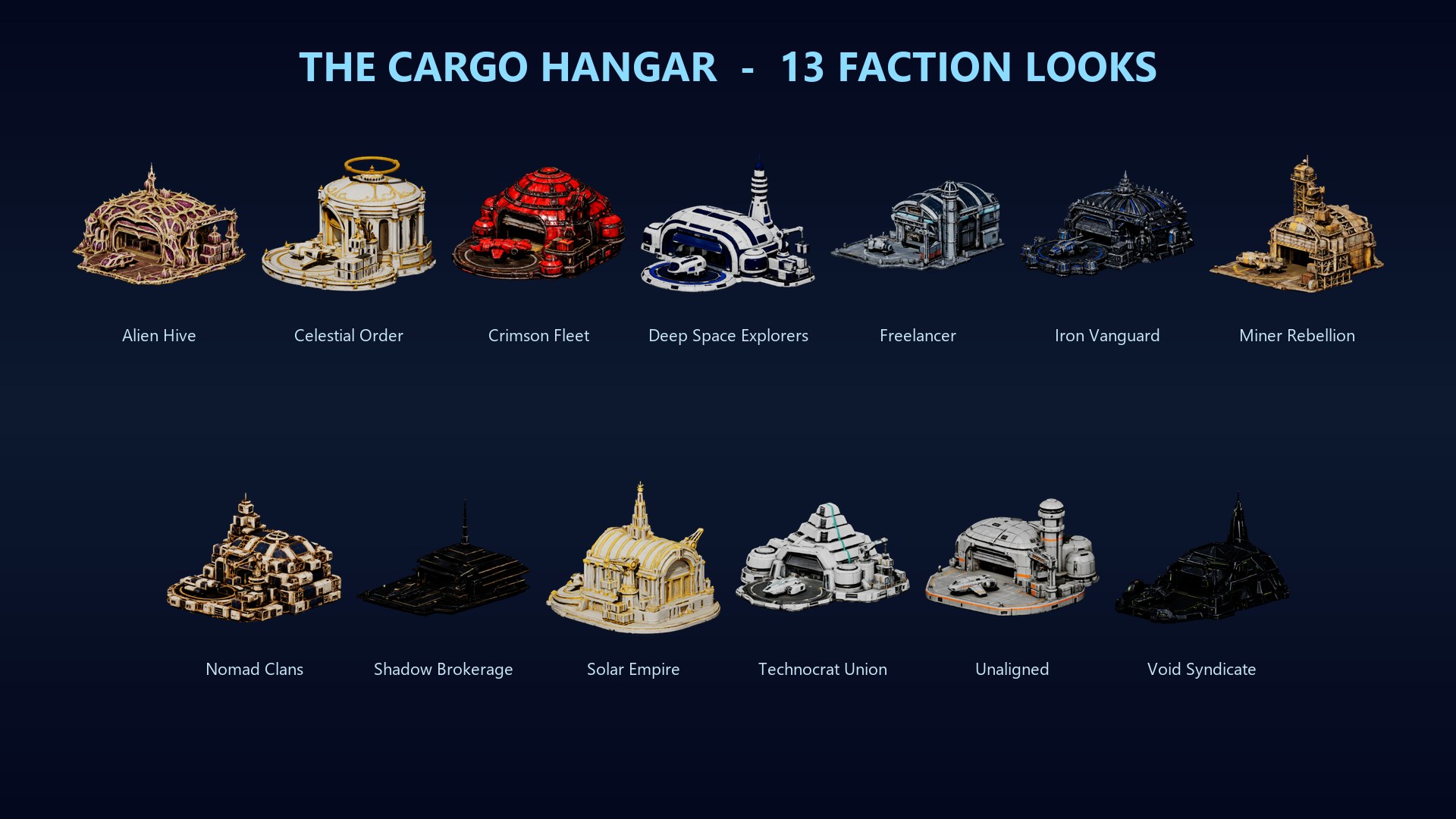
- Every faction builds its own Cargo Hangar.
Fixed
- Changed tiles stay changed. Tiles you change on your base no longer go back to their old type after a server restart or a log-in. Your changes were always saved; the tiles you changed before this update are back too, and a tile that already has the type you pick can no longer be paid for again (#216).
- Commanders who paid twice for the same tile because of this got the second payment back.
Good to know
- The changelog and the Player's Guide have the details.
Questions or bugs: #tester-chat and #bug-reports on Discord. Ideas: #feedback.